01
Stripo
Nonprofits that want agency-quality emails without a design team
★ Top rated
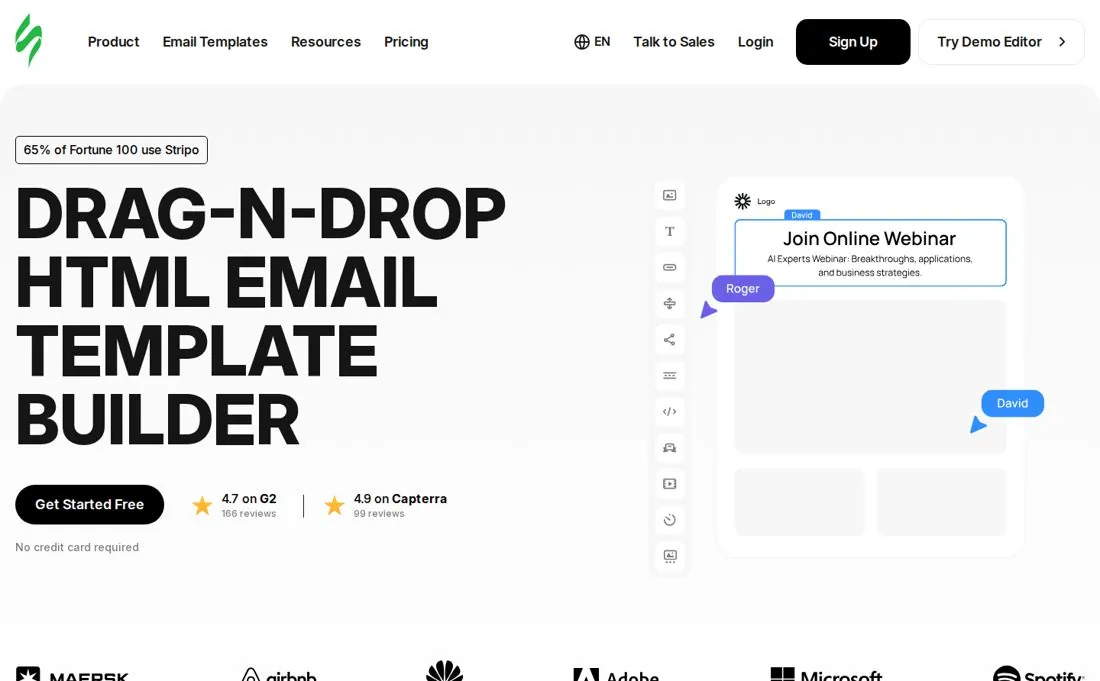
Stripo is a dedicated drag-and-drop email design platform that builds responsive HTML emails and exports them to your sending tool. It pairs a deep editor with modular reusable blocks, so a small nonprofit team can produce consistent, on-brand newsletters, appeals, and event invites at scale. Stripo publishes free and paid options; eligibility and current limits are listed on its official pricing page.
Overview
Drag-and-drop editor
Yes — block- and structure-based editor with reusable modules and a code-editor mode side by side.
Template library
many templates across newsletters, e-commerce, events, holidays, transactional, and more, plus a large free-block library.
Customization / code
Full HTML/CSS access. Two-in-one editor lets you switch between drag-and-drop and raw code; supports custom blocks and AMP for interactive elements.
AI features
AI assistant for copy generation, subject lines, image generation, and module suggestions.
Collaboration
Roles and permissions, comments, shared content library, and team seats on higher tiers.
Integrations
Exports to many ESPs and platforms (Mailchimp, HubSpot, Campaign Monitor, Salesforce, Constant Contact, and more).
Export options
One-click export to ESPs, HTML/JSON download, push to inbox, PDF/image.
Testing / preview
Built-in preview across major clients plus optional email testing/deliverability checks.
Ease of use
Learning curve. Gentle for basics; the depth (modules, AMP, code mode) takes a little time to fully exploit.
Onboarding. Free editor to explore immediately, guided tooltips, large knowledge base and video library.
Pricing
Free / trial. See the linked official source for current eligibility and usage limits.
Paid tiers. See the linked official pricing source for current plans and limits.
What's included. Higher tiers add branding removal, more exports, HTML import, extra seats, roles/permissions, priority support, and white-label.
Pros
- Largest template and block library in this roundup
- True two-in-one drag-and-drop + code editor
- AMP and interactive email support
- Free and paid options documented on the official pricing page
- Exports cleanly to many ESPs
Cons
- Not an email sender — you still need an ESP to deliver
- Free plan caps monthly exports
- Advanced features have a learning curve
When it works
A nonprofit communications lead who wants polished, branded emails across many campaign types and already sends through an ESP like Mailchimp, HubSpot, or Salesforce.
When it doesn't
Skip if you want a single tool that also sends and manages contacts; Stripo is design-only.
Support & resources
Support channels. 24/7 support, live chat, email; custom design service available.
Documentation. Extensive help center, blog, webinars, and template guides.
Verdict
The most complete pure email-design tool here, and the only one with free and paid options — top pick for teams that want professional emails without hiring a designer.
Standout feature Two-in-one editor plus the current published plan options.
02
Chamaileon
Larger nonprofit teams that need locked-down brand control and collaboration
Chamaileon is an ESP-agnostic, no-code email creation platform built around team collaboration and a modular brand design system. It is aimed at organizations that produce a steady volume of emails and want guardrails so every contributor stays on brand.
Overview
Drag-and-drop editor
Yes — collaborative drag-and-drop editor with a modular component system.
Template library
Template gallery plus a reusable, brand-locked module library built during onboarding.
Customization / code
Generates responsive HTML; customization is module-driven rather than open code editing.
AI features
Limited / not a core focus compared with design and collaboration features.
Collaboration
Real-time co-editing, approval flows, comments, and shared brand modules — its strongest area.
Integrations
Connects with major ESPs (e.g. Mailchimp) for export.
Export options
Export to connected ESPs and HTML; export volume tied to plan.
Testing / preview
Email testing and preview across clients to catch rendering issues.
Ease of use
Learning curve. Easy to navigate once set up; the value comes after the module/brand setup.
Onboarding. Includes a guided setup and brand/module configuration as part of paid onboarding.
Pricing
Free / trial. See the linked official source for current eligibility and usage limits.
Paid tiers. See the linked official pricing source for current plans and limits.
What's included. Higher tiers expand seats, modules, exports, and dedicated support.
Pros
- Excellent real-time collaboration and approvals
- Strong brand-guardrail / module system
- Responsive output across clients
- Hands-on onboarding included
Cons
- Expensive entry point for small nonprofits
- Fewer integrations than some rivals
- No open HTML code editing
When it works
A mid-to-large nonprofit with multiple contributors who need approval workflows and strict brand consistency.
When it doesn't
Skip if you are a small team on a tight budget — the entry price is high.
Support & resources
Support channels. Dedicated support, onboarding, and check-in calls.
Documentation. Help center and guided onboarding materials.
Verdict
A serious collaboration-first builder whose price puts it out of reach for most small nonprofits, but compelling for bigger comms teams.
Standout feature Real-time collaborative editing with brand guardrails.
03
Canva
Nonprofits that already design everything in Canva and want simple emails too
Canva is a broad visual design platform, and email is one of many things it makes. For nonprofits already using Canva for social graphics and flyers, it is a familiar way to design simple, attractive email visuals and basic campaigns from the same place. Verified nonprofits get premium features free.
Overview
Drag-and-drop editor
Yes — the same intuitive drag-and-drop canvas used across all Canva designs.
Template library
many templates across every format, including email and newsletter layouts.
Customization / code
Visual customization is deep; true HTML/CSS email code control is limited compared with dedicated email tools.
AI features
Magic Studio suite — Magic Design, text-to-image, background remover, writing help.
Collaboration
Real-time collaboration, comments, shared brand kits, and approvals on team plans.
Integrations
Connects to many marketing and social tools; email delivery typically via a separate ESP.
Export options
Export as image/PDF/HTML; best suited to graphics-led emails rather than complex coded templates.
Testing / preview
Preview within Canva; no dedicated email-client rendering tests.
Ease of use
Learning curve. Very easy — among the most approachable tools here.
Onboarding. Instant start, huge tutorial library, massive community.
Pricing
Free / trial. See the linked official source for current eligibility and usage limits.
Paid tiers. See the linked official pricing source for current plans and limits.
What's included. Paid adds brand kits, premium assets, background remover, more AI credits, storage, and brand controls.
Pros
- Free premium access for verified nonprofits
- Extremely easy for non-designers
- Enormous template and asset library
- One tool for emails, social, flyers, and decks
Cons
- Not a true email-coding tool; complex/coded emails are limited
- No email-client rendering tests
- Needs an ESP to actually send
When it works
A small nonprofit that wants attractive, simple emails and already lives in Canva for the rest of its visual content.
When it doesn't
Skip if you need pixel-perfect, bulletproof HTML that renders identically across Outlook and every client.
Support & resources
Support channels. Help center, community, and 24/7 support on paid plans.
Documentation. Vast tutorials, Design School, and community resources.
Verdict
Unbeatable value for nonprofits thanks to free premium access, as long as your emails are graphics-led rather than heavily coded.
Standout feature Free Teams-level access for verified nonprofits.
04
SendPulse
Nonprofits wanting a free all-in-one builder and sender in one place
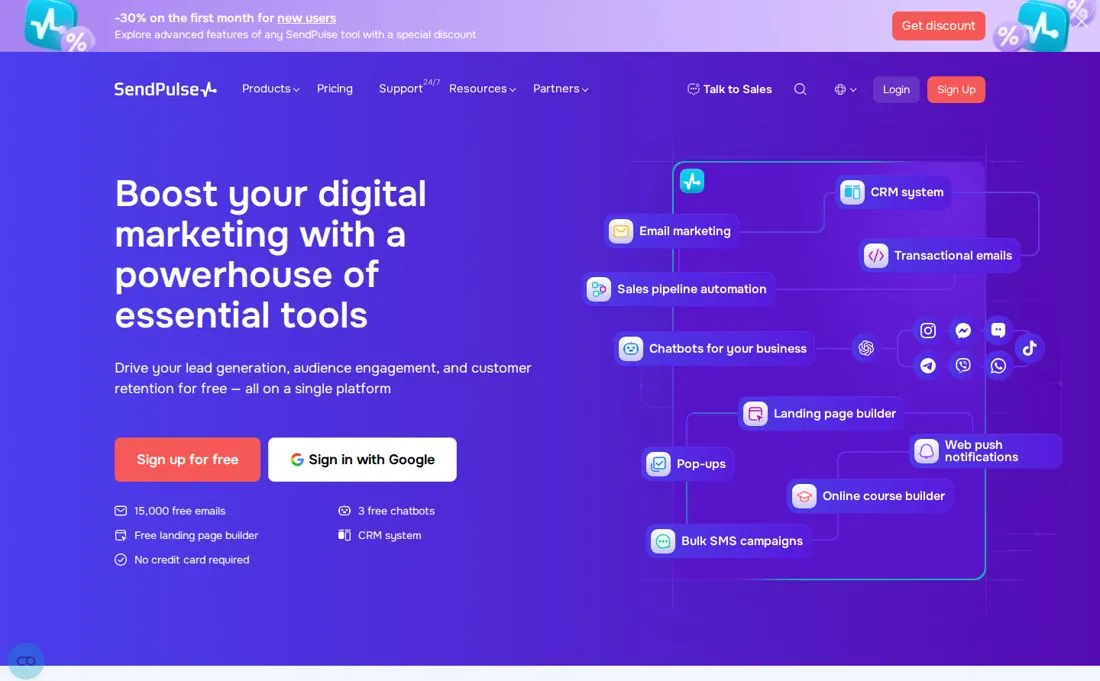
SendPulse is a multi-channel marketing platform: it builds emails and also sends them, plus SMS, chatbots, and web push. For a nonprofit that wants design and delivery under one roof on a budget, the generous free tier is the draw.
Overview
Drag-and-drop editor
Yes — straightforward drag-and-drop editor with ready-made HTML templates.
Template library
140+ ready-made email templates plus saved blocks.
Customization / code
Drag-and-drop plus HTML editing for those who want it.
AI features
AI assist for content/subject lines within campaigns.
Collaboration
Multiple users and basic team management on paid tiers.
Integrations
many integrations (Shopify, WordPress, Zapier, Bitrix24, Pipedrive, and more) plus its own CRM.
Export options
As a sender, it delivers directly; HTML templates are reusable inside the platform.
Testing / preview
Preview and deliverability tooling; A/B testing on paid plans.
Ease of use
Learning curve. Easy for basics; the multi-channel UI can feel cluttered at first.
Onboarding. Free signup, 24/7 human support, knowledge base.
Pricing
Free / trial. See the linked official source for current eligibility and usage limits.
Paid tiers. See the linked official pricing source for current plans and limits.
What's included. Paid adds unlimited emails, dynamic segmentation, more seats, sender addresses, and verification.
Pros
- Builds and sends — no separate ESP needed
- Very generous free email tier
- 24/7 human support, even on free
- Multi-channel (email, SMS, chatbots, push)
Cons
- Interface can feel cluttered
- Add-ons (SMS, extra features) cost more
- Template library smaller than design-first tools
When it works
A budget-conscious nonprofit that wants to design and send newsletters from one affordable platform.
When it doesn't
Skip if you want a focused, best-in-class design editor or already have an ESP you love.
Support & resources
Support channels. 24/7 live support on all plans, including free.
Documentation. Knowledge base, guides, and tutorials.
Verdict
The best value if you want building and sending together; design depth is traded for an all-in-one toolkit.
Standout feature Generous free tier that also sends your emails.
05
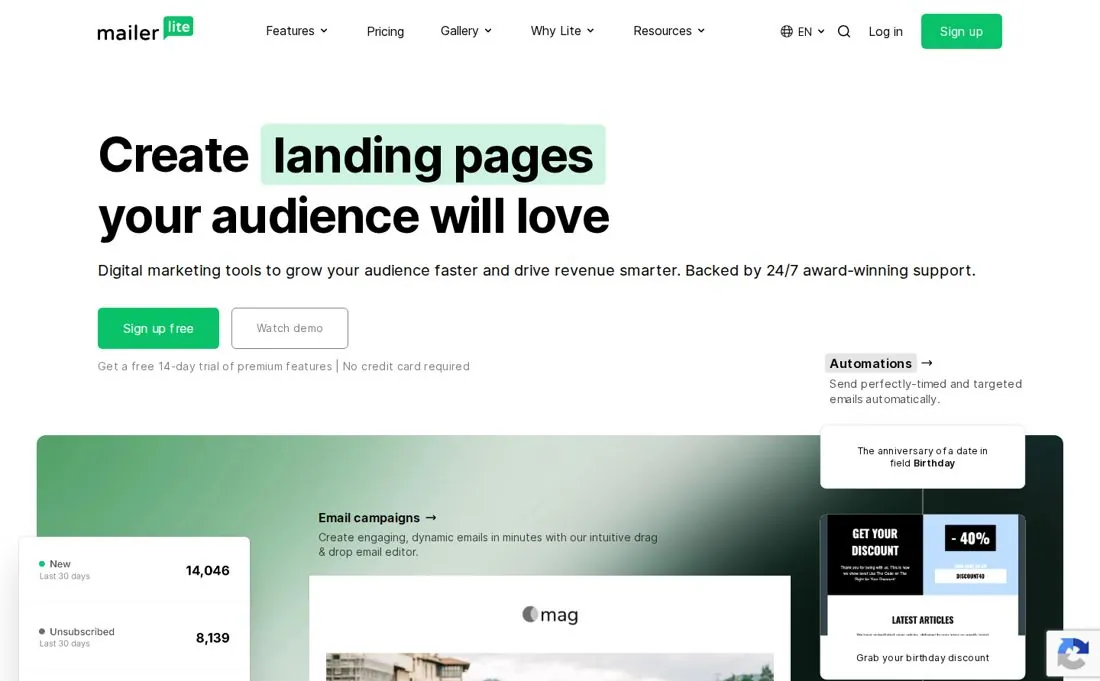
MailerLite
Small nonprofits that want clean, simple campaigns plus a organization-specific terms
MailerLite is an email marketing platform known for a clean, friendly editor and strong automation. It both designs and sends, and it offers a standing 30% discount for verified nonprofits, which makes it a popular pick for lean teams.
Overview
Drag-and-drop editor
Yes — a famously tidy drag-and-drop editor; a custom HTML editor is available on the Advanced plan.
Template library
Newsletter and landing-page templates on paid plans (free plan builds from scratch).
Customization / code
Drag-and-drop for everyone; full custom-HTML editor on Advanced.
AI features
AI writing assistant on the Advanced plan.
Collaboration
Multiple seats and roles on paid plans.
Integrations
Wide integration ecosystem (e-commerce, CMS, Zapier, etc.) plus its own sending.
Export options
Sends directly; templates live in the platform.
Testing / preview
Preview, A/B testing, and inbox checks on paid plans.
Ease of use
Learning curve. Very easy — one of the most beginner-friendly senders.
Onboarding. 14-day premium trial, clean UI, helpful knowledge base.
Pricing
Free / trial. See the linked official source for current eligibility and usage limits.
Paid tiers. See the linked official pricing source for current plans and limits.
What's included. Higher tiers add templates, branding removal, custom-HTML editor, AI assistant, pop-ups, and more triggers.
Pros
- Standing 30% organization-specific terms (plus a free Advanced program for a few)
- Cleanest, most beginner-friendly editor here
- Strong automation for the price
- Builds and sends in one place
Cons
- Free plan limits are now modest (250 subs / current email allowance)
- Templates and custom HTML gated to paid tiers
- Costs climb as your list grows
When it works
A small nonprofit that wants simple, reliable newsletters and automations with a real organization-specific terms.
When it doesn't
Skip if you need a large free send volume or a deep design/code editor.
Support & resources
Support channels. 24/current email allowance support; live chat on Advanced.
Documentation. Clear knowledge base, academy, and guides.
Verdict
A friendly, affordable sender with a genuine organization-specific terms — ideal for lean teams that value simplicity over design depth.
Standout feature 30% organization-specific terms on an exceptionally clean editor.
06
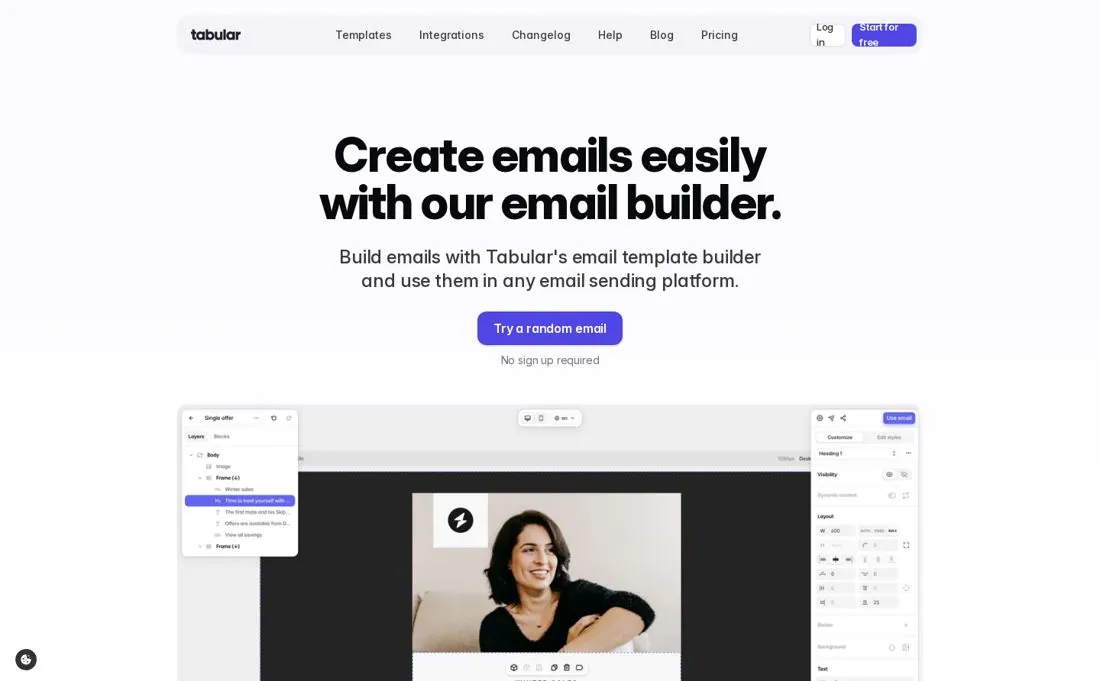
Tabular
Design-minded nonprofits that want bulletproof, clean HTML output
Tabular is a focused email template builder prized for the quality of its code. Its block system and smart rendering engine produce hybrid responsive HTML that holds up across many clients, including stubborn older Outlook versions. It is design-only — you export to your sender.
Overview
Drag-and-drop editor
Yes — modern block-based drag-and-drop with separate desktop and mobile design modes.
Template library
A curated template gallery plus reusable team blocks.
Customization / code
Clean, exportable HTML; leans technical, so some HTML knowledge helps for advanced tweaks.
AI features
Not a core focus; the emphasis is on code quality and rendering.
Collaboration
Team blocks for shared, consistent components; collaboration is lighter than enterprise tools.
Integrations
Native exports to many ESPs and sending platforms.
Export options
Export clean HTML or push directly to your ESP.
Testing / preview
Smart algorithm reduces testing by guaranteeing rendering across many clients, incl. old Outlook.
Ease of use
Learning curve. Intuitive blocks, but full control rewards some technical comfort.
Onboarding. Try without signup; clean UI gets you building fast.
Pricing
Free / trial. See the linked official source for current eligibility and usage limits.
Paid tiers. See the linked official pricing source for current plans and limits.
What's included. Higher tiers raise export limits and unlock team features.
Pros
- Exceptionally clean, bulletproof HTML
- Reliable rendering across many clients incl. old Outlook
- Separate mobile design mode
- Reusable team blocks
Cons
- Free plan is very export-limited
- Leans technical for advanced work
- Lighter on collaboration and AI
When it works
A nonprofit that cares about pixel-perfect, reliable emails and has someone comfortable with email HTML.
When it doesn't
Skip if you want lots of free exports or an all-in-one sender.
Support & resources
Support channels. Support via the platform; documentation provided.
Documentation. Help docs and template resources.
Verdict
The code-quality champion of this roundup — superb output, but the tight free export cap pushes serious users to pay.
Standout feature Smart engine that guarantees rendering across many clients.
07
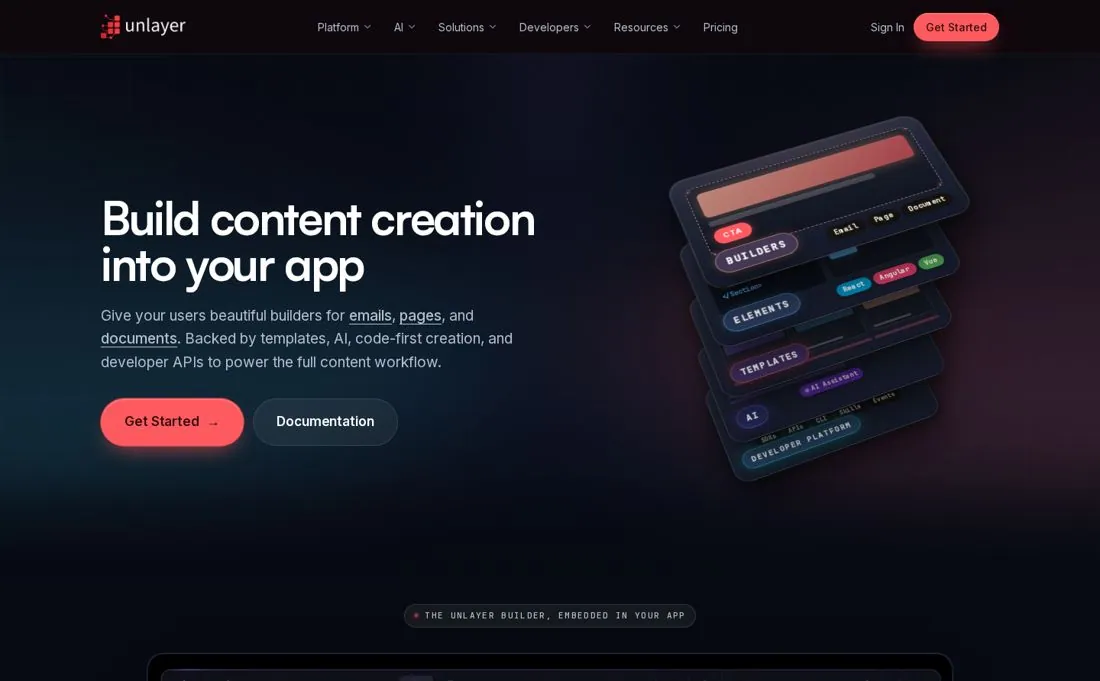
Unlayer
Nonprofits with a product/app that want to embed a builder (developer-leaning)
Unlayer is an embeddable, white-label content builder for emails, pages, popups, and documents. Its standalone editor is usable for nonprofits, but its real audience is developers who want to drop a builder into their own app or portal.
Overview
Drag-and-drop editor
Yes — drag-and-drop editor for emails and pages, embeddable via SDK.
Template library
Built-in templates across emails, pages, popups, and documents.
Customization / code
Strong developer customization (React/Vue/Angular/Next.js), custom tools, fonts, JS/CSS on paid plans.
AI features
AI assistant and template importer available via paid credit packs.
Collaboration
Team collaboration on paid plans.
Integrations
API-first; works with major ESPs and embeds in your stack.
Export options
PDF, image, HTML, and ZIP exports; export to ESPs.
Testing / preview
Preview across many clients on paid plans.
Ease of use
Learning curve. Standalone editor is easy; the SDK/embedding side is developer territory.
Onboarding. Forever-free plan plus a limited trial of premium features; docs and videos.
Pricing
Free / trial. See the linked official source for current eligibility and usage limits.
Paid tiers. See the linked official pricing source for current plans and limits.
What's included. Paid adds white-labeling, custom JS/CSS, localization, collaboration, and higher bandwidth.
Pros
- Free standalone editor to design with
- Deep developer customization and white-labeling
- Four builders in one (email, page, popup, document)
- API-first for embedding
Cons
- Paid tiers are aimed at SaaS budgets, not small nonprofits
- No ESP export on the free plan
- Best value needs developer involvement
When it works
A nonprofit that runs its own web app/portal and wants to embed a branded builder for staff or members.
When it doesn't
Skip if you just need to design and send a newsletter — simpler tools fit better.
Support & resources
Support channels. Docs, videos, and live demos; support scales with plan.
Documentation. Developer documentation and guides.
Verdict
Powerful and flexible, but its paid pricing and developer focus make it overkill for most standalone nonprofit email needs.
Standout feature Embeddable, white-label builder for your own app.
08
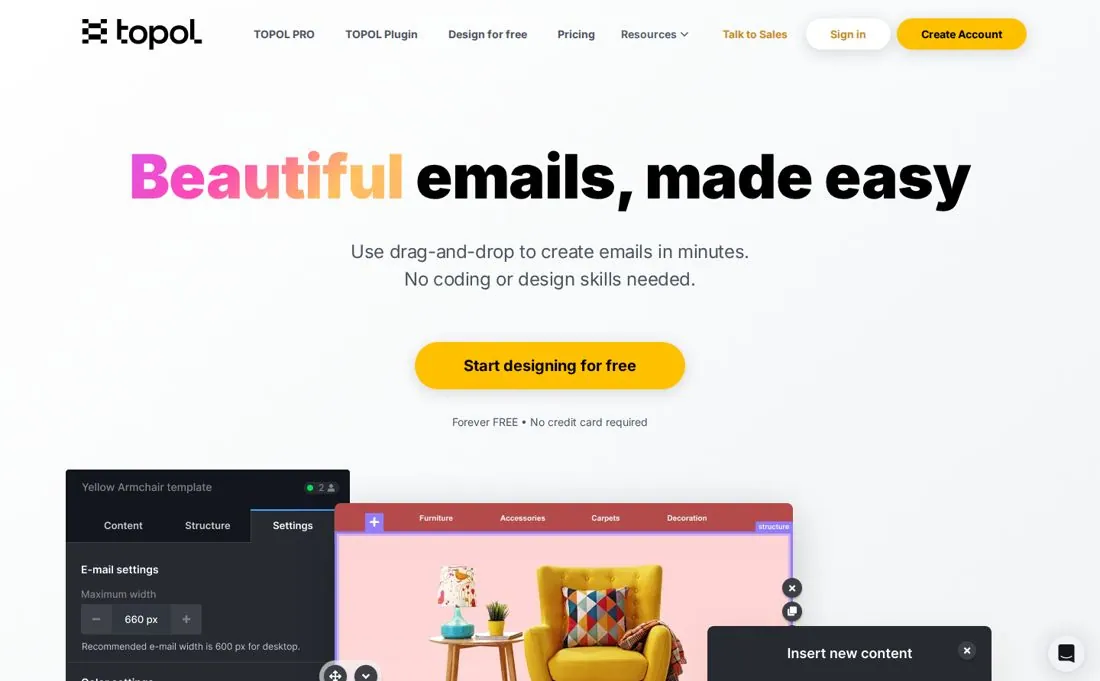
Topol.io
Nonprofits wanting a simple, no-code editor with clean Outlook-safe HTML
Topol.io is a no-code drag-and-drop email editor focused on producing clean, responsive HTML that works in any ESP — including Outlook. It also offers an embeddable plugin, but the standalone editor is a tidy, affordable choice for small teams.
Overview
Drag-and-drop editor
Yes — easy drag-and-drop with a mobile design mode.
Template library
150+ ready-to-use HTML templates, many editable without signing up, plus free Pexels images.
Customization / code
Produces clean responsive HTML; export to HTML5 or JSON; plugin is highly customizable.
AI features
Not a core focus.
Collaboration
Pro plan supports teams (3 seats included) with shared templates and organization.
Integrations
One-click integrations with many ESPs and marketing platforms.
Export options
Export to ESPs, or download HTML5/JSON.
Testing / preview
Preview and responsive checks; reliable rendering across clients incl. Outlook.
Ease of use
Learning curve. Very easy and intuitive.
Onboarding. limited trial, simple UI, ticket/chat support.
Pricing
Free / trial. See the linked official source for current eligibility and usage limits.
Paid tiers. See the linked official pricing source for current plans and limits.
What's included. Paid adds team seats, organization, more templates, and exports.
Pros
- Genuinely simple and quick to learn
- Clean, Outlook-safe responsive HTML
- Affordable Pro/Team pricing
- Free, editable template gallery
Cons
- Smaller template library than design-first rivals
- Light on AI and advanced collaboration
- Free plan is personal-use only
When it works
A small nonprofit that wants to knock out reliable newsletters quickly without a learning curve.
When it doesn't
Skip if you need a huge template library, AI, or heavy collaboration.
Support & resources
Support channels. Chat and ticket support.
Documentation. Help center and plugin documentation.
Verdict
A no-fuss, affordable editor that punches above its weight on rendering reliability — great for lean teams that value simplicity.
Standout feature Simple editor with dependable Outlook-safe output.
09
Beefree
Nonprofits wanting a polished editor with a big free template library
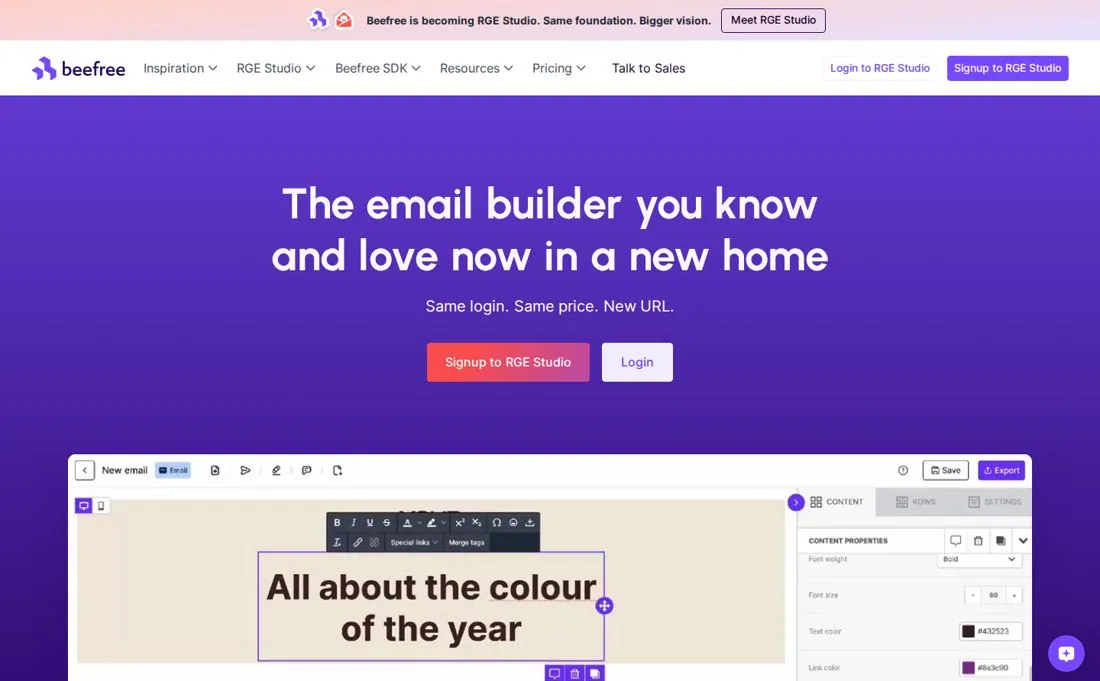
Beefree (recently rebranded RGE Studio) is a popular drag-and-drop email and landing-page builder with one of the largest free template libraries. It is design-only — you export to your ESP — and is well liked by small teams and nonprofits for ease and polish.
Overview
Drag-and-drop editor
Yes — slick drag-and-drop with mobile design mode and saved rows.
Template library
many templates for emails and landing pages.
Customization / code
Export and edit HTML manually; saved rows for reusable layout blocks.
AI features
AI writing assistance available within the editor.
Collaboration
Collaboration, approval workflows, brand styles, and shared rows on team plans.
Integrations
many ESP integrations for export.
Export options
Free plan caps exports (~6/month); paid unlocks unlimited exports and HTML.
Testing / preview
Preview and responsiveness checks; constant template testing.
Ease of use
Learning curve. Easy and approachable for all skill levels.
Onboarding. limited trial of paid features, big template gallery, helpful resources.
Pricing
Free / trial. See the linked official source for current eligibility and usage limits.
Paid tiers. See the linked official pricing source for current plans and limits.
What's included. Paid adds unlimited exports, organization tools, collaboration, approvals, and brand styles.
Pros
- Broad template library
- Polished, easy editor with mobile mode
- Free plan usable for occasional work
- Reusable saved rows speed up production
Cons
- Free plan caps exports at ~6/month
- Extra fees for image hosting/bandwidth reported
- Business tier is pricey for small teams
When it works
A nonprofit that wants attractive emails fast and only needs a handful of exports, or will upgrade for unlimited.
When it doesn't
Skip if you need many free exports or built-in sending.
Support & resources
Support channels. Help center and support; priority on higher tiers.
Documentation. Documentation, templates, and guides.
Verdict
A polished, friendly builder with a standout template library — just watch the free export cap and add-on fees.
Standout feature many templates in an easy, modern editor.
10
Knak
Enterprise-scale nonprofits on Marketo, Eloqua, or Salesforce Marketing Cloud
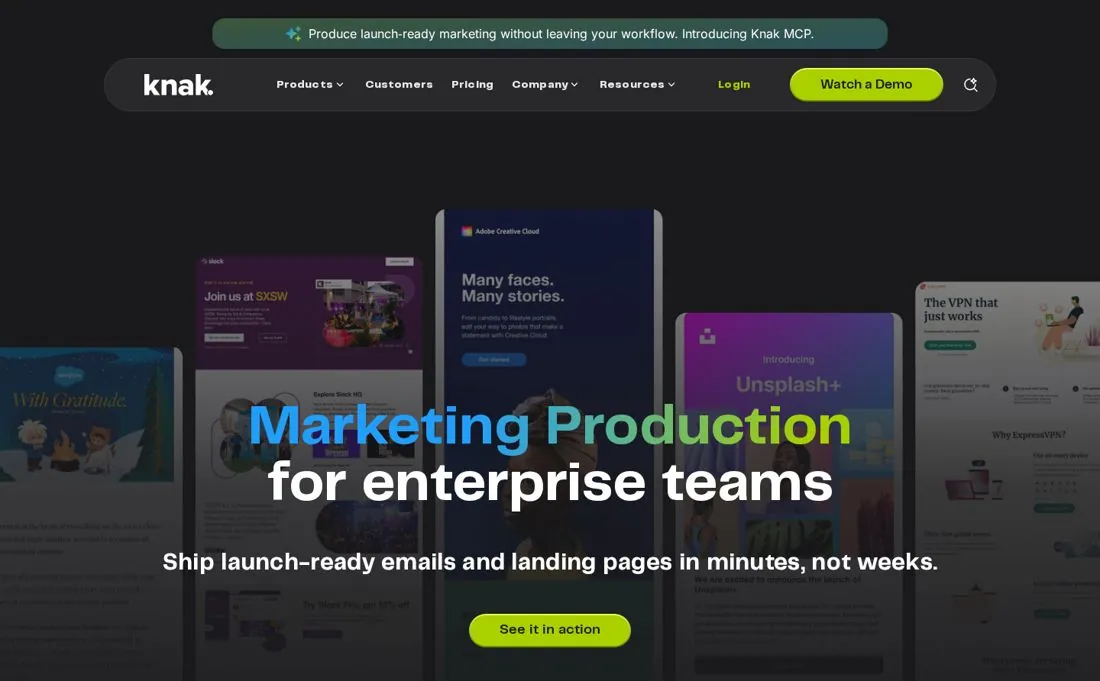
Knak is a no-code email and landing-page platform built for enterprise marketing teams that run on big marketing-automation platforms. It emphasizes brand control, approvals, and seamless hand-off to tools like Adobe Marketo Engage and Salesforce Marketing Cloud.
Overview
Drag-and-drop editor
Yes — grid-based no-code builder for emails and landing pages, mobile responsive.
Template library
Brand-controlled modules and templates set up for your organization.
Customization / code
No-code by design; brand guardrails lock logos, colors, fonts, and modules.
AI features
Knak AI tuned to your brand voice for subject lines, rewrites, and translations.
Collaboration
Strong collaboration, approval workflows, and role-based access for decentralized teams.
Integrations
Deep native integrations with Marketo, Eloqua, Adobe Campaign, and Salesforce Marketing Cloud.
Export options
Seamless sync/export to the connected marketing-automation platform.
Testing / preview
Preview and responsive checks; built by an email-rendering-focused team.
Ease of use
Learning curve. Easy for end users; value depends on enterprise MAP setup.
Onboarding. Guided enterprise onboarding; strong documentation and support.
Pricing
Free / trial. See the linked official source for current eligibility and usage limits.
Paid tiers. See the linked official pricing source for current plans and limits.
What's included. Plans scale by seats, brands, and enterprise features (SSO, multi-brand, governance).
Pros
- Top-rated ease of use and support
- Deep native ties to enterprise MAPs (Marketo, SFMC)
- Strong brand guardrails and approvals
- Brand-voice AI
Cons
- Quote-based pricing, aimed at enterprise budgets
- Overkill without a big marketing-automation platform
- No public free plan
When it works
A large nonprofit or NGO running a major marketing-automation platform that needs governed, on-brand email production at scale.
When it doesn't
Skip if you are a small team or don't run an enterprise MAP — the model won't fit.
Support & resources
Support channels. Dedicated enterprise support and onboarding.
Documentation. Thorough documentation and resources.
Verdict
Excellent for enterprise NGOs on Marketo/Salesforce, but its quote-based, enterprise model makes it the wrong fit for small nonprofits.
Standout feature Native, governed hand-off to enterprise marketing platforms.